Genova
Memo Setup
Creating and Managing Memos: A Step-by-Step Guide
This guide provides a comprehensive walkthrough of the process for creating and managing memos within the system. Each step includes a screenshot to aid in navigation and understanding. Follow these instructions carefully to ensure accurate completion of each task.
Start url: http://localhost/vanguard-genova/cia/admin
Tab Name: List Menu Items - GENOVA INSURANCE
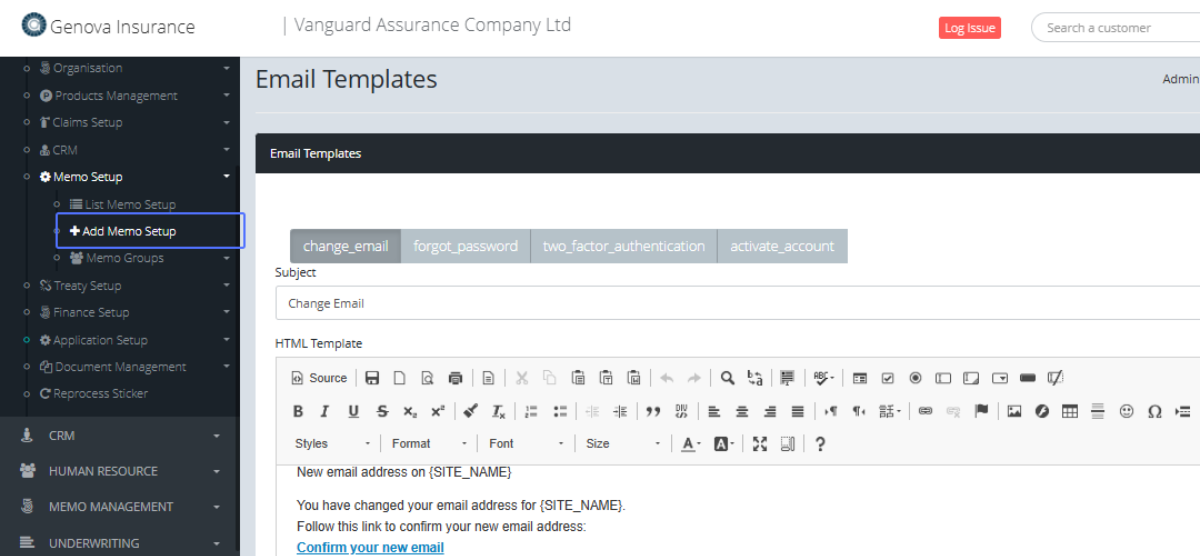
Click on the link "Add Memo Setup" link within the Menu.
Tab Name: Add Memo Setup - GENOVA INSURANCE
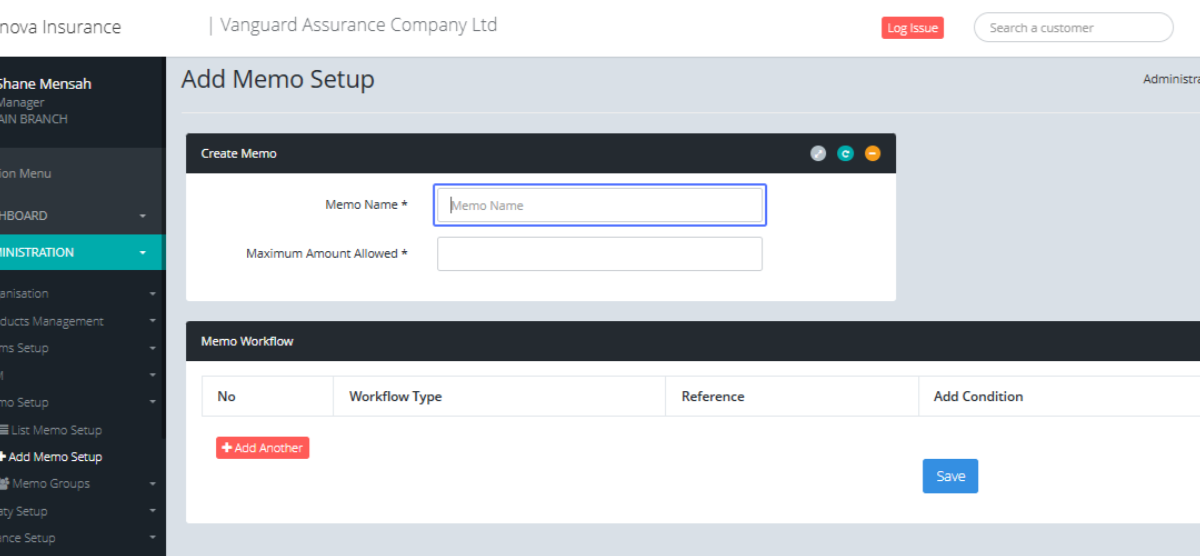
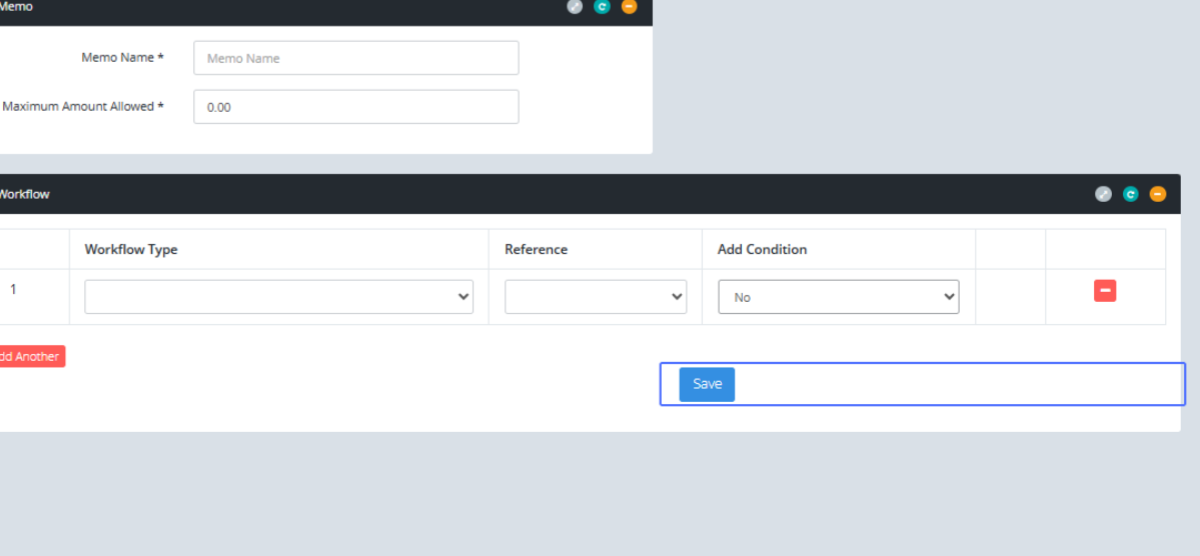
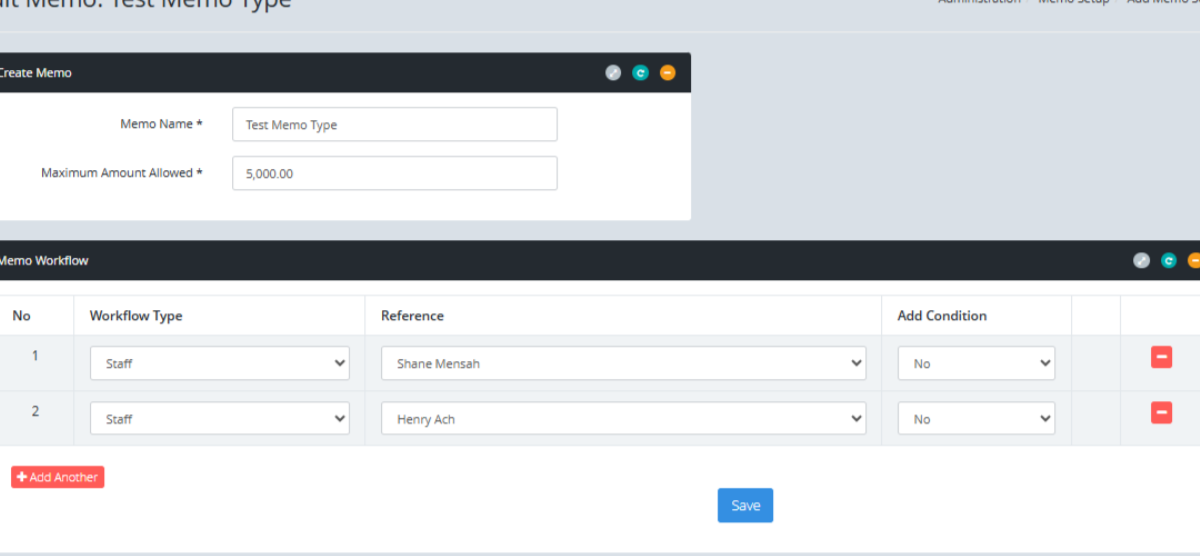
On the Add Memo Setup page, Enter the Memo Name into the provided field.
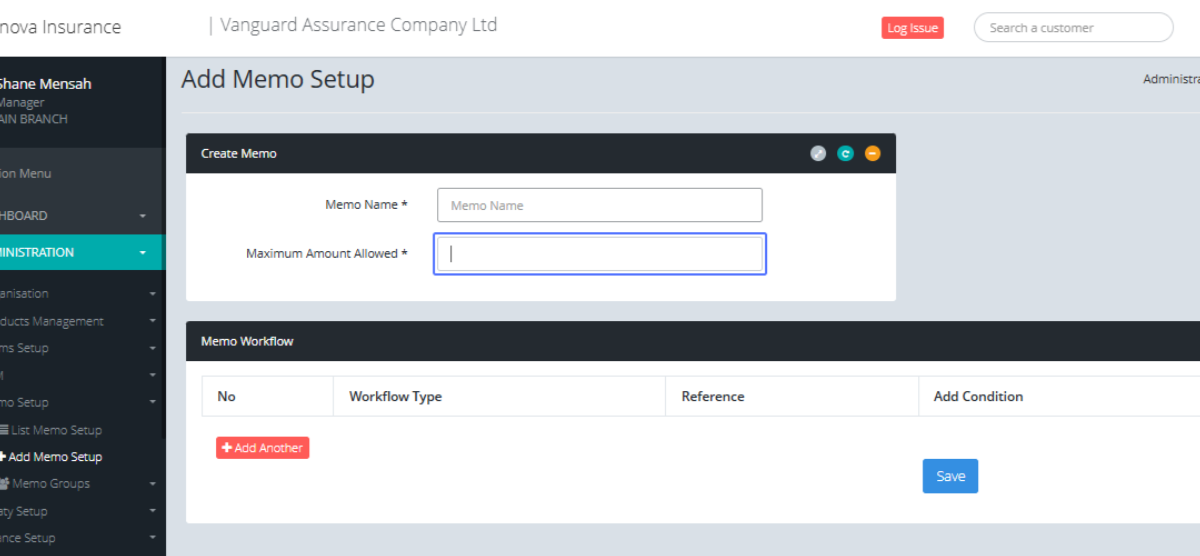
Enter the Maximum Amount Allowed within the field provided.
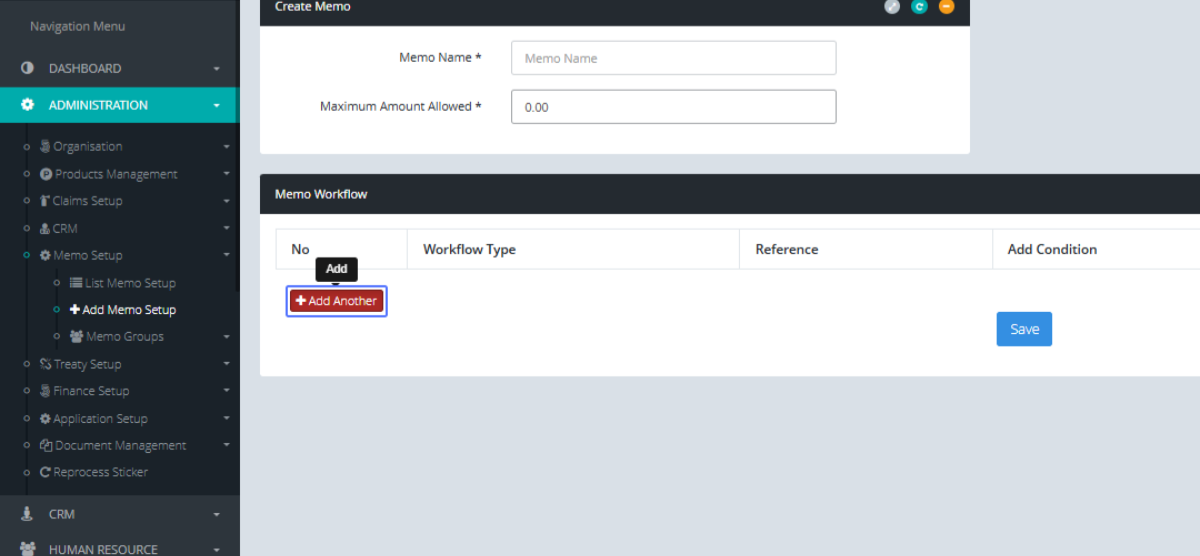
Click on the link "Add Another" within the Memo Workflow to add a workflow item.
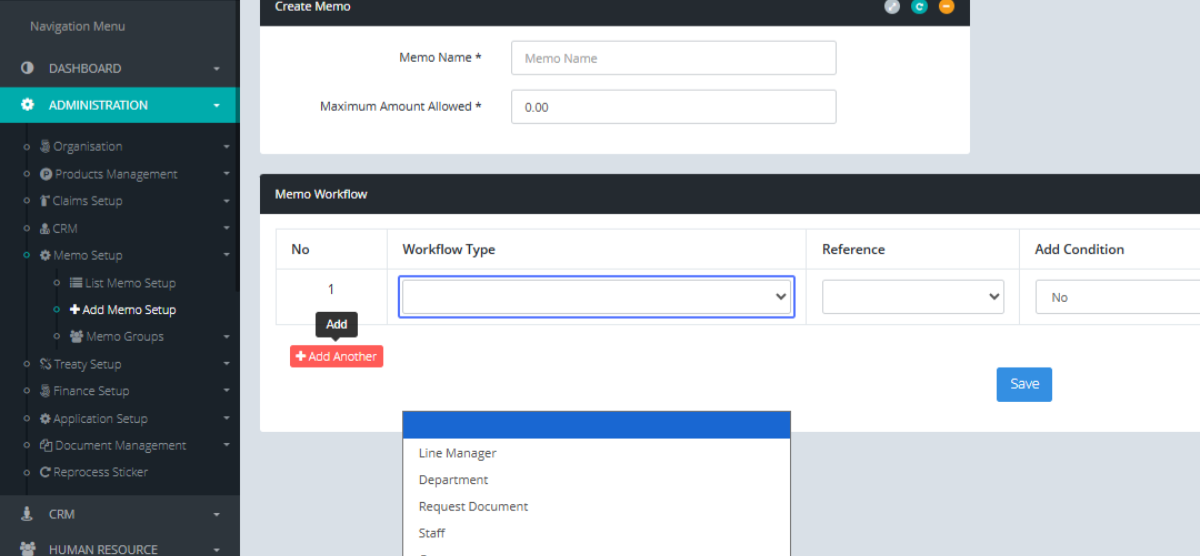
Select the Workflow type within the provided dropdown.
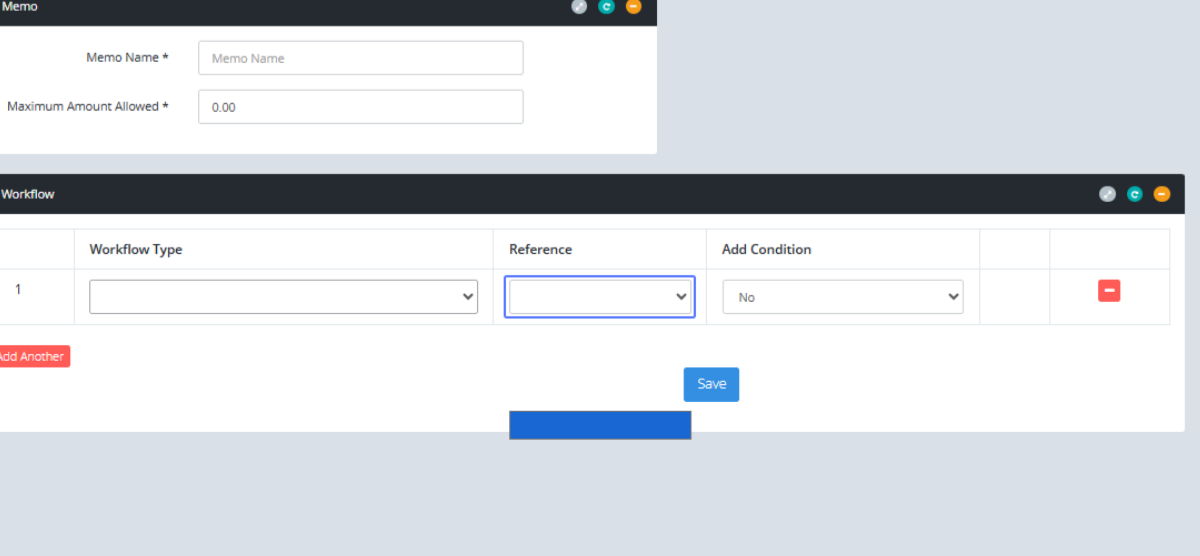
Select the reference within the provided dropdown.
Select the (Yes/No) if you want to add a Condition from the provided dropdown.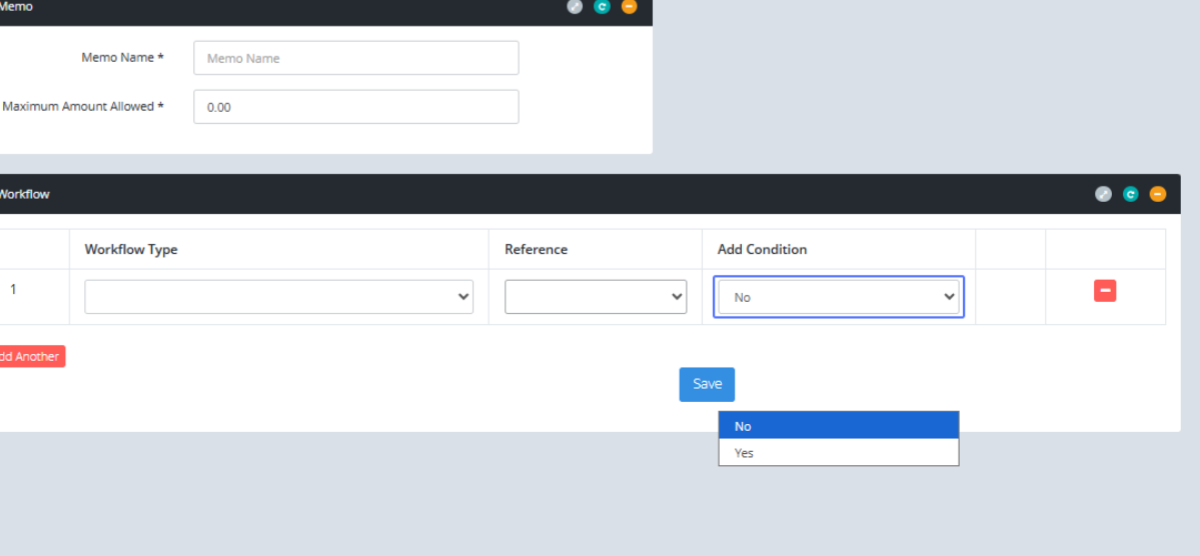
Click on the save Button to save the changes.
Click on the link "List Memo Setup" to see the Memo setup list.
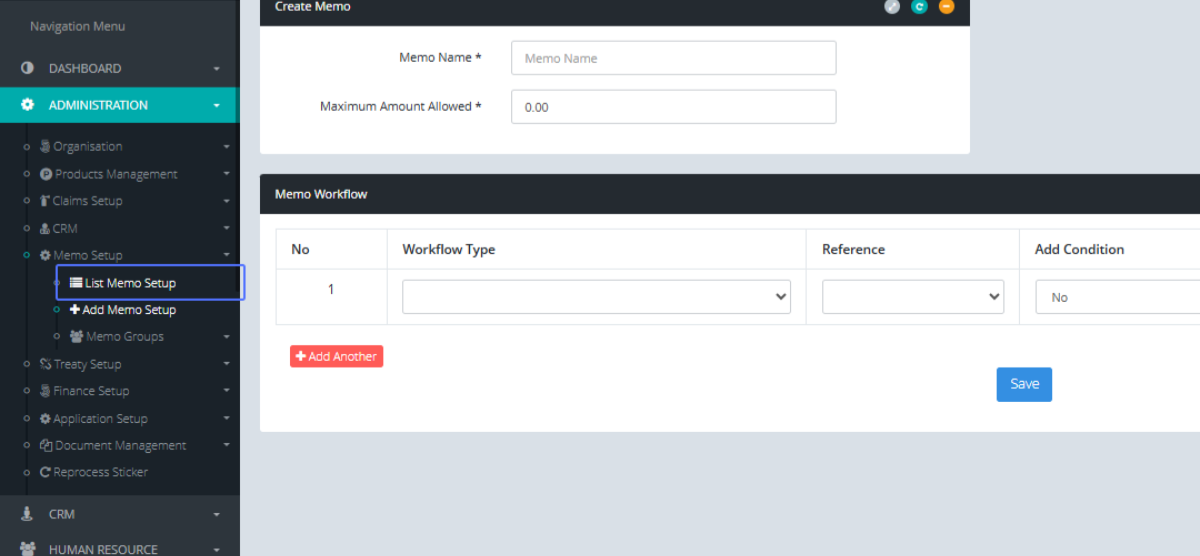
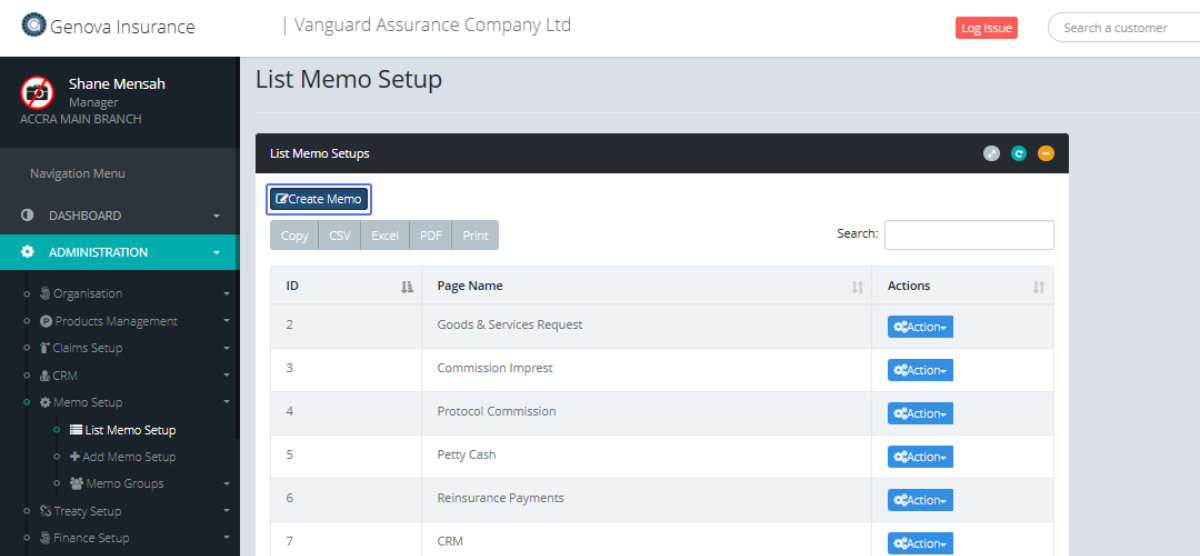
Tab Name: List Memo Setup - GENOVA INSURANCE
Click on the link "Create Memo" button to create a new Memo.
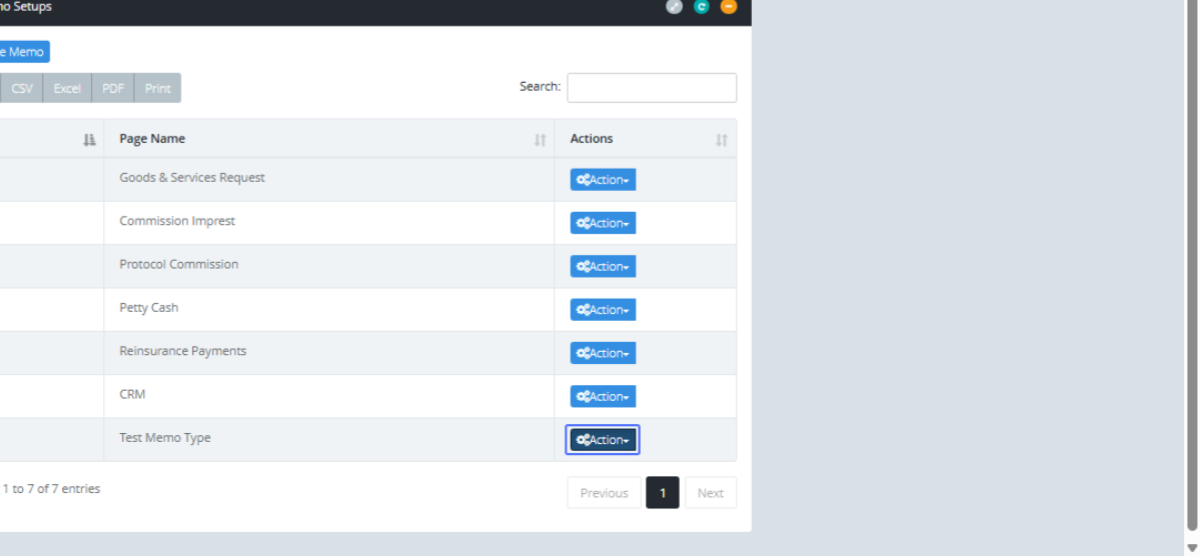
Click on the "Action" button to view the actions that can be taken on this item.
Click on the link "Edit" button to edit the item.
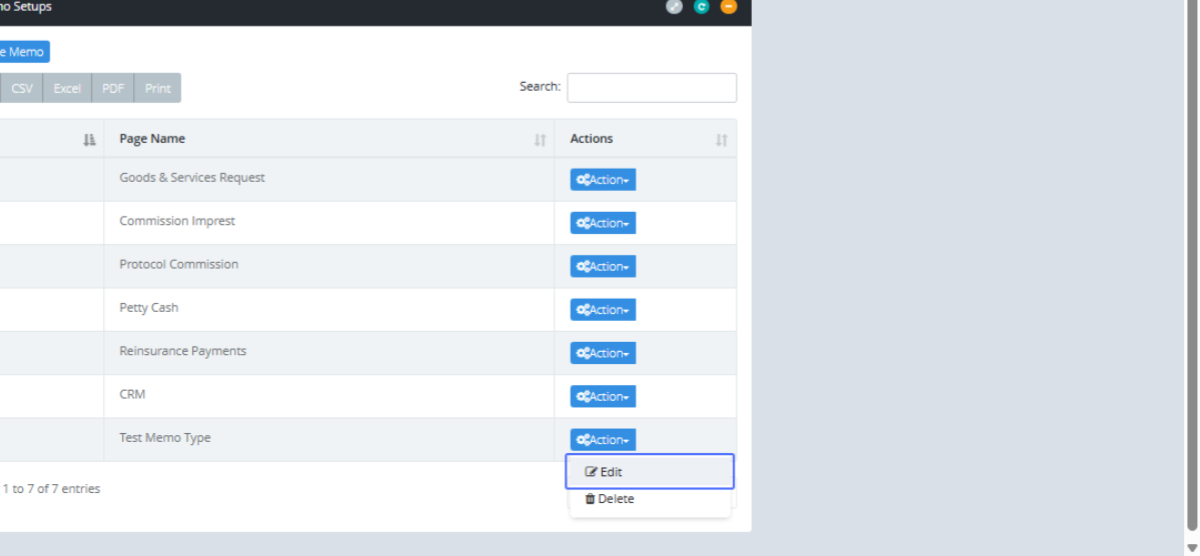
Tab Name: Add Memo Setup - GENOVA INSURANCE
You will be navigated to the Form to Edit the current Memo Type.
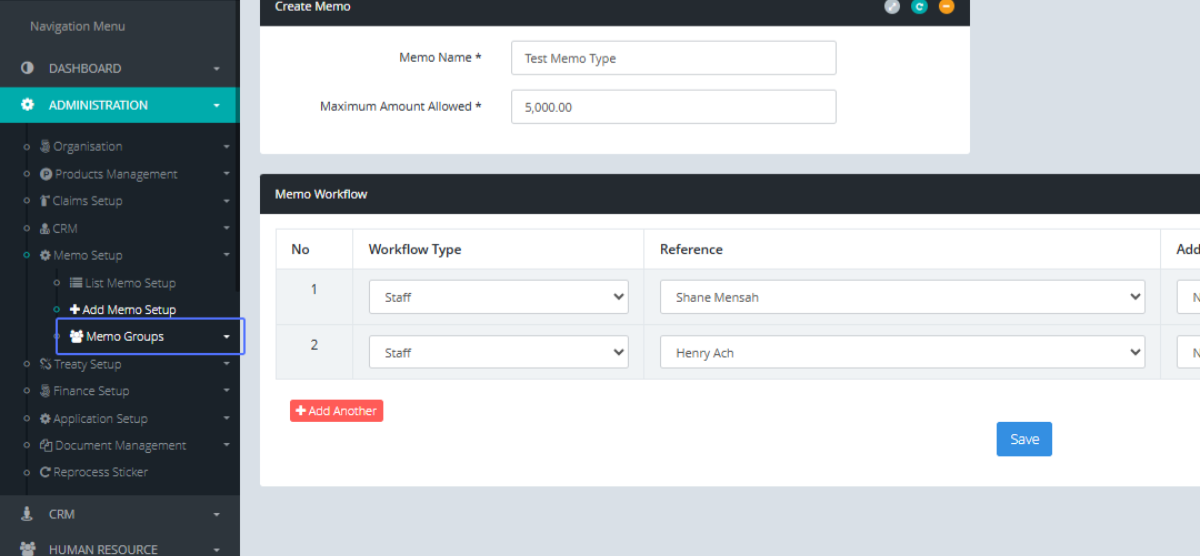
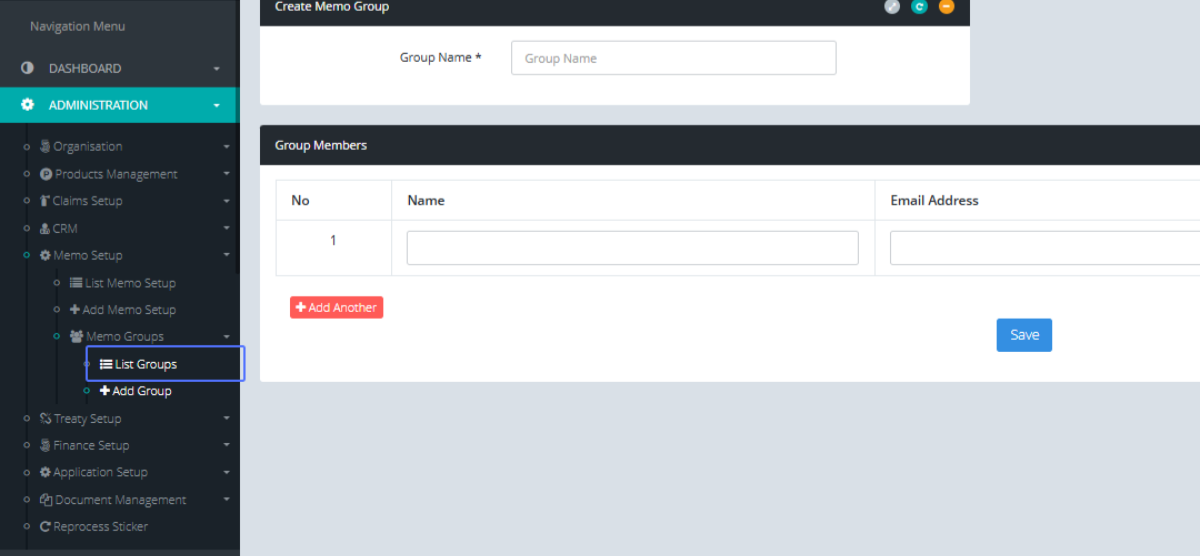
Click on the link "Memo Groups" to get access to the Memo group.
Click on the "Add Group" link to get access to the Add Group form
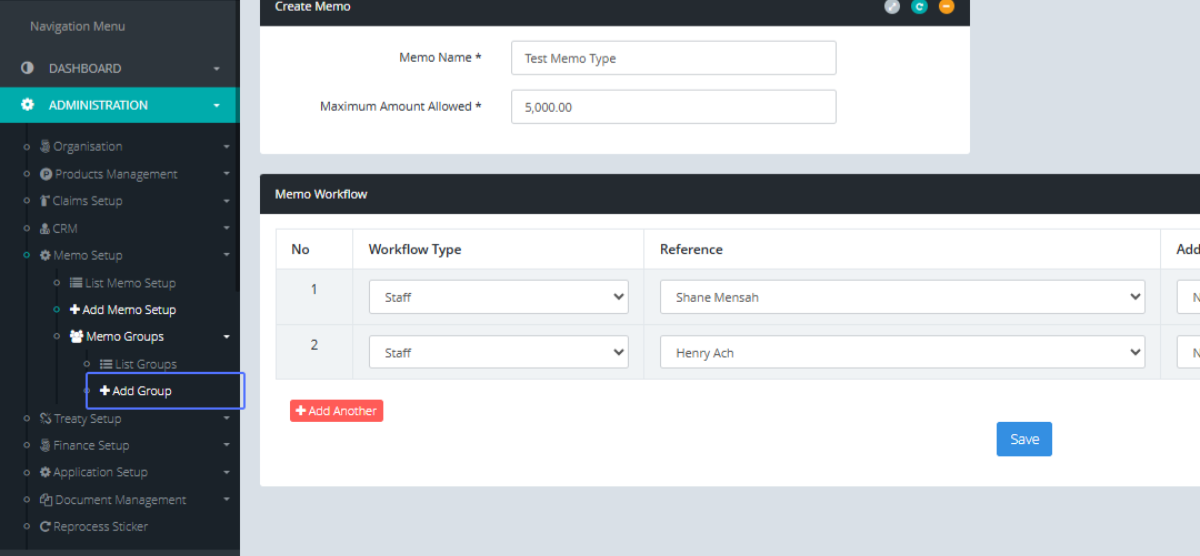
Tab Name: Add Group - GENOVA INSURANCE
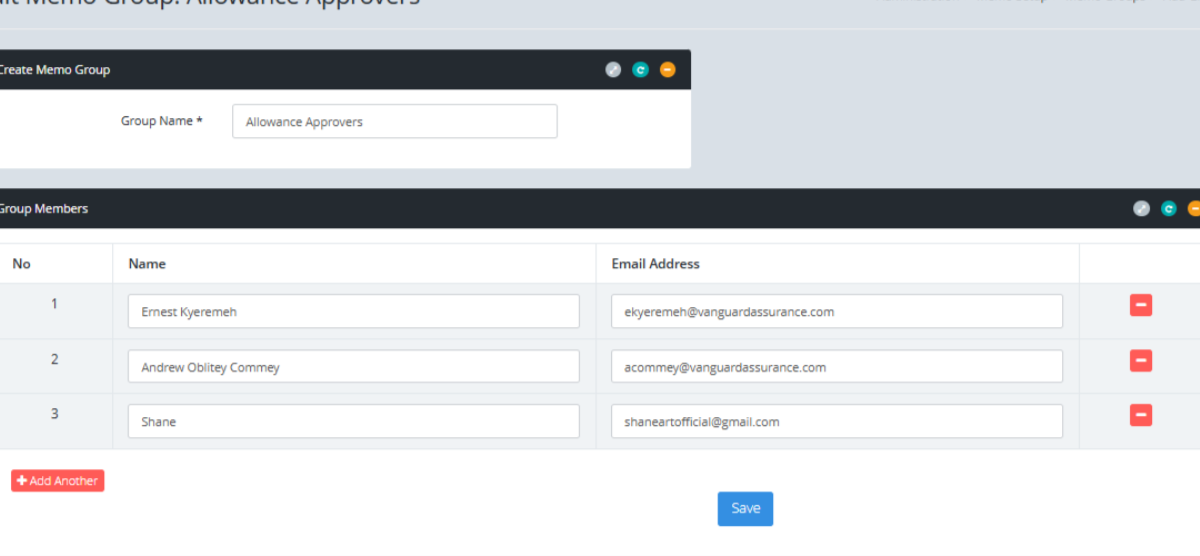
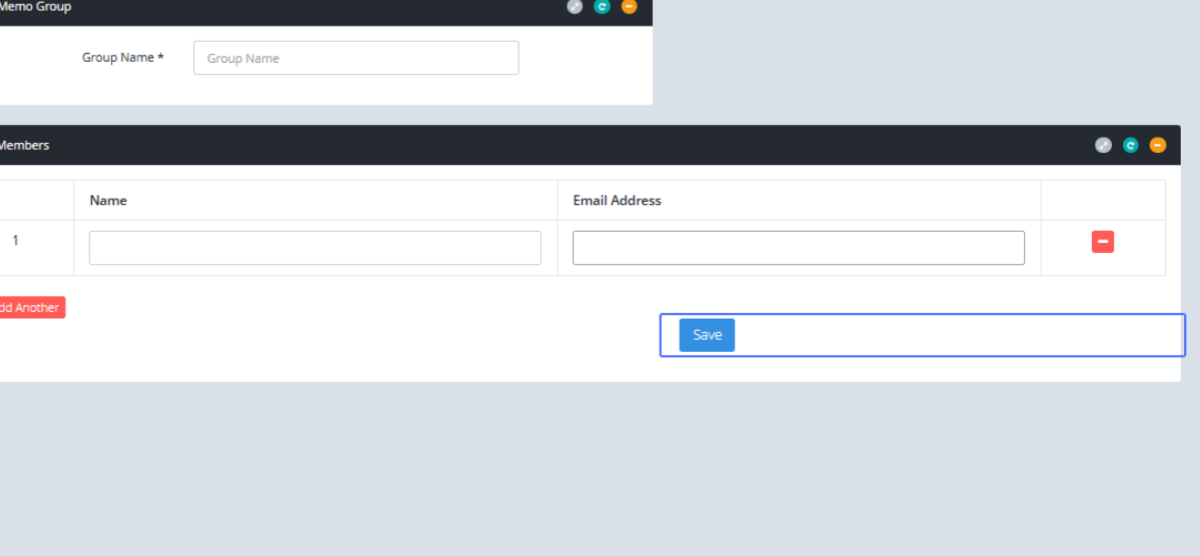
Enter the Group Name into the provided field
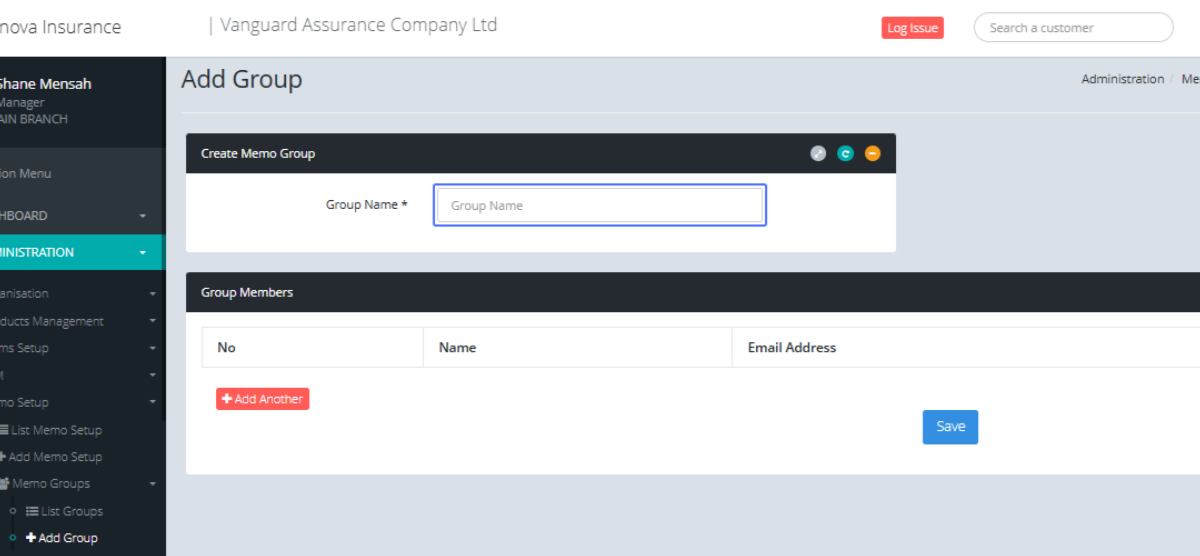
Click on the link "Add Another" to add another group member to the Memo group
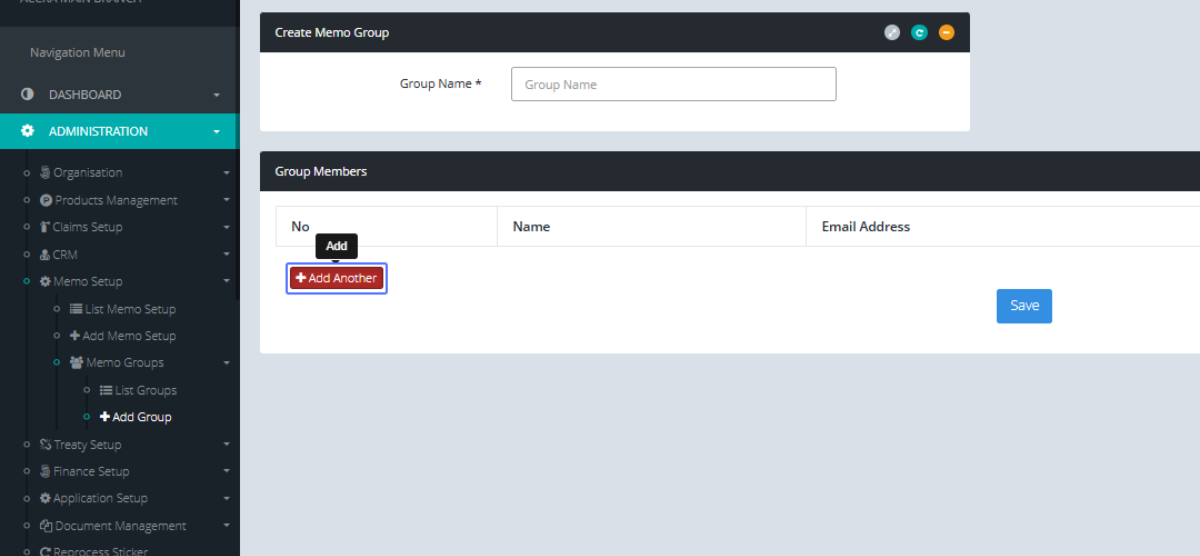
Within the input field that has been provided, Enter the name of the Group Member
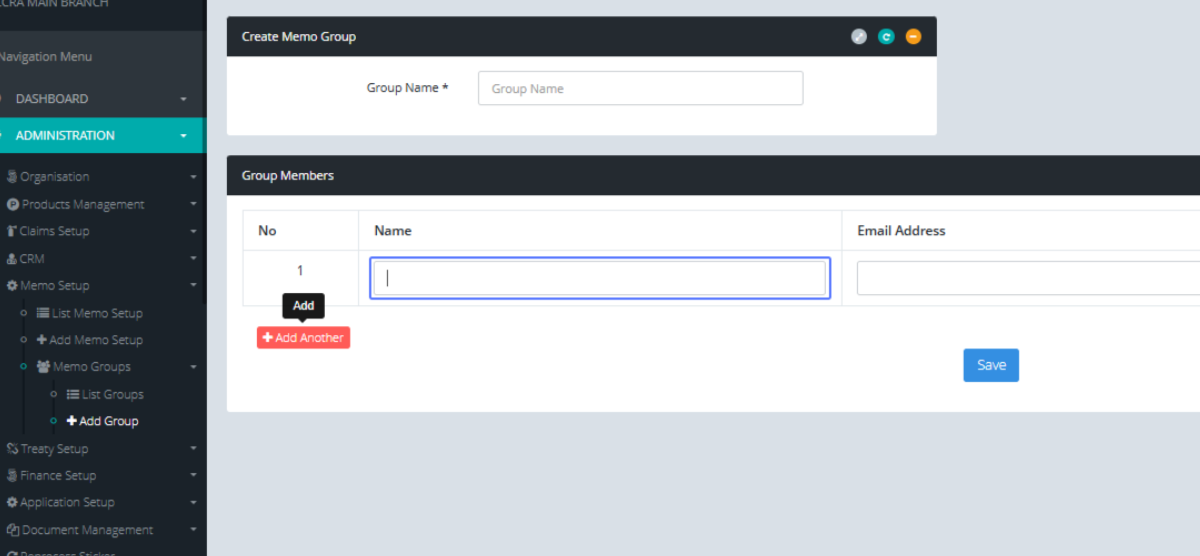
Enter the Email Address into the provided field
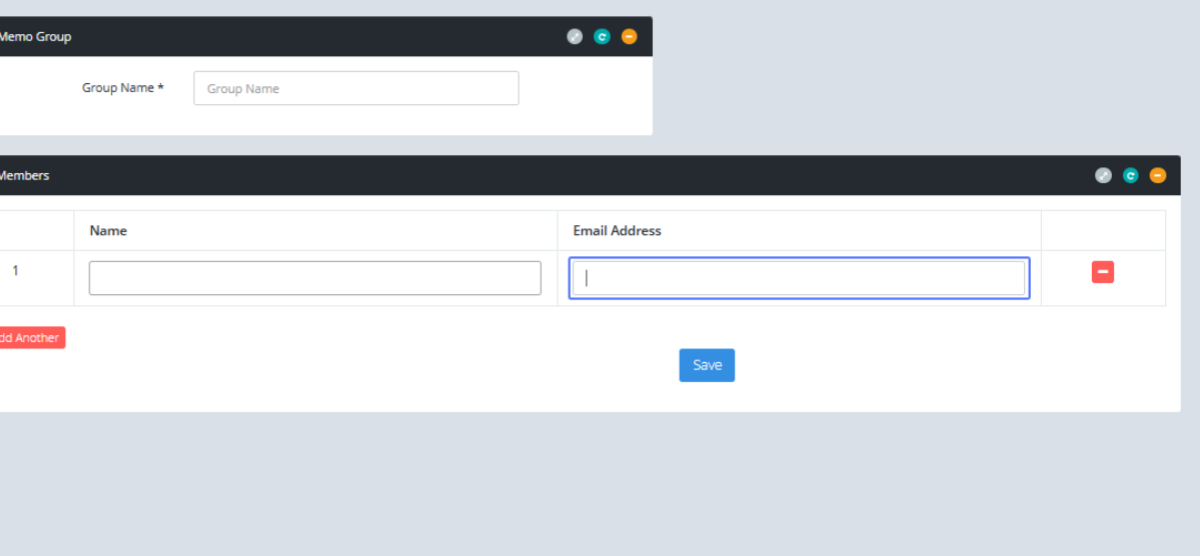
Click on the Save Button to save the Members within the link.
Click on the link "List Groups" to see the list of the Memo Group
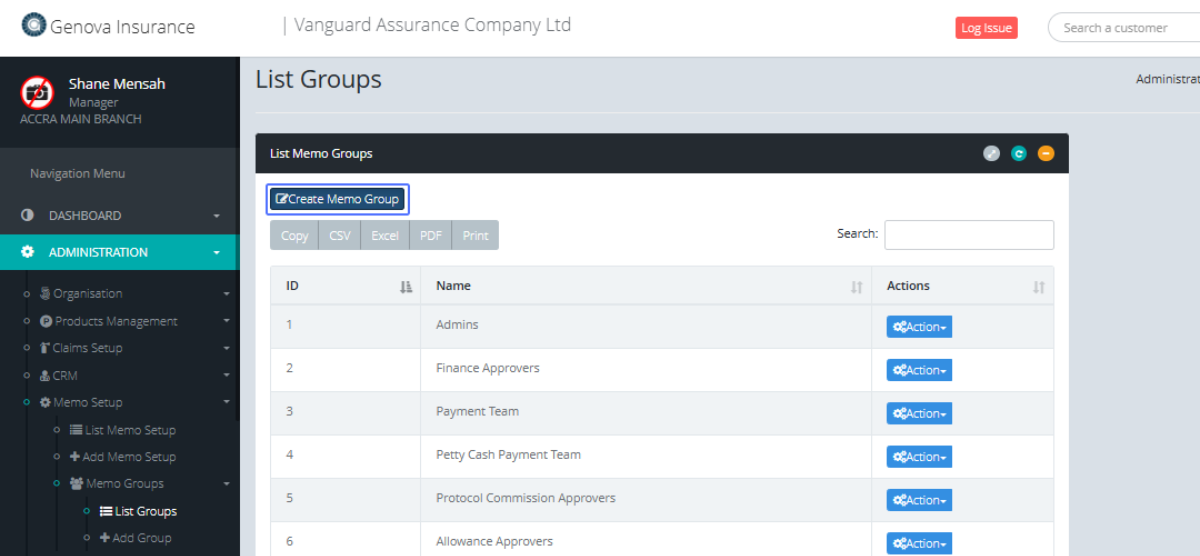
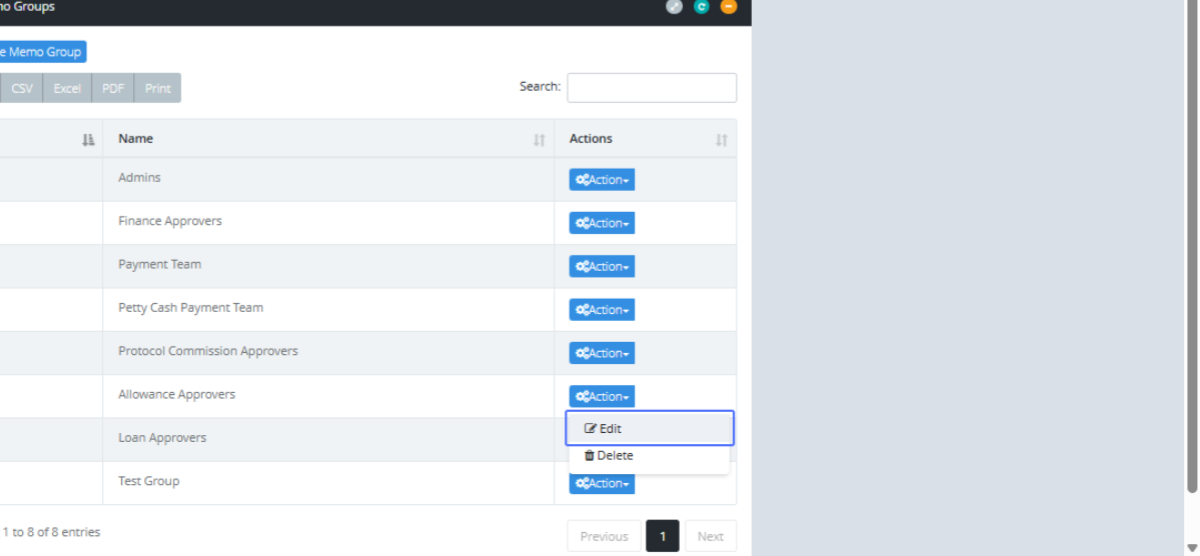
Tab Name: List Groups - GENOVA INSURANCE
Click on the link "Create Memo Group" to get access to the Create Memo Group form
Click on the "Action" button
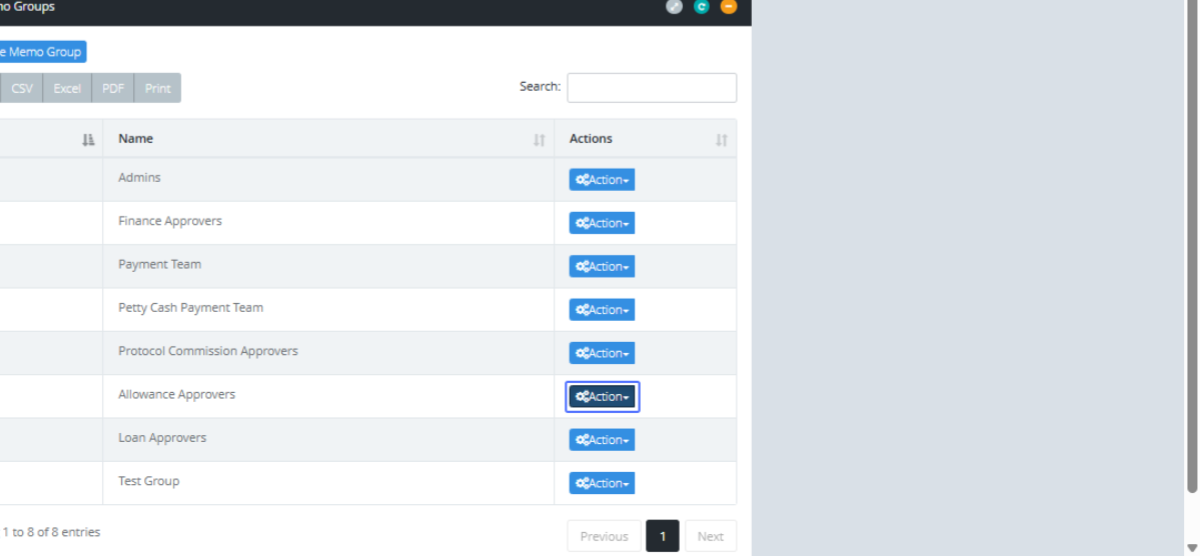
Click on the "Edit" link from the Actions button to Edit the specific item from the list
Tab Name: Add Group - GENOVA INSURANCE
You will be navigated to the form for the existing memo group item to make changes to it.